
Step 1: Click Items in the left sidebar.
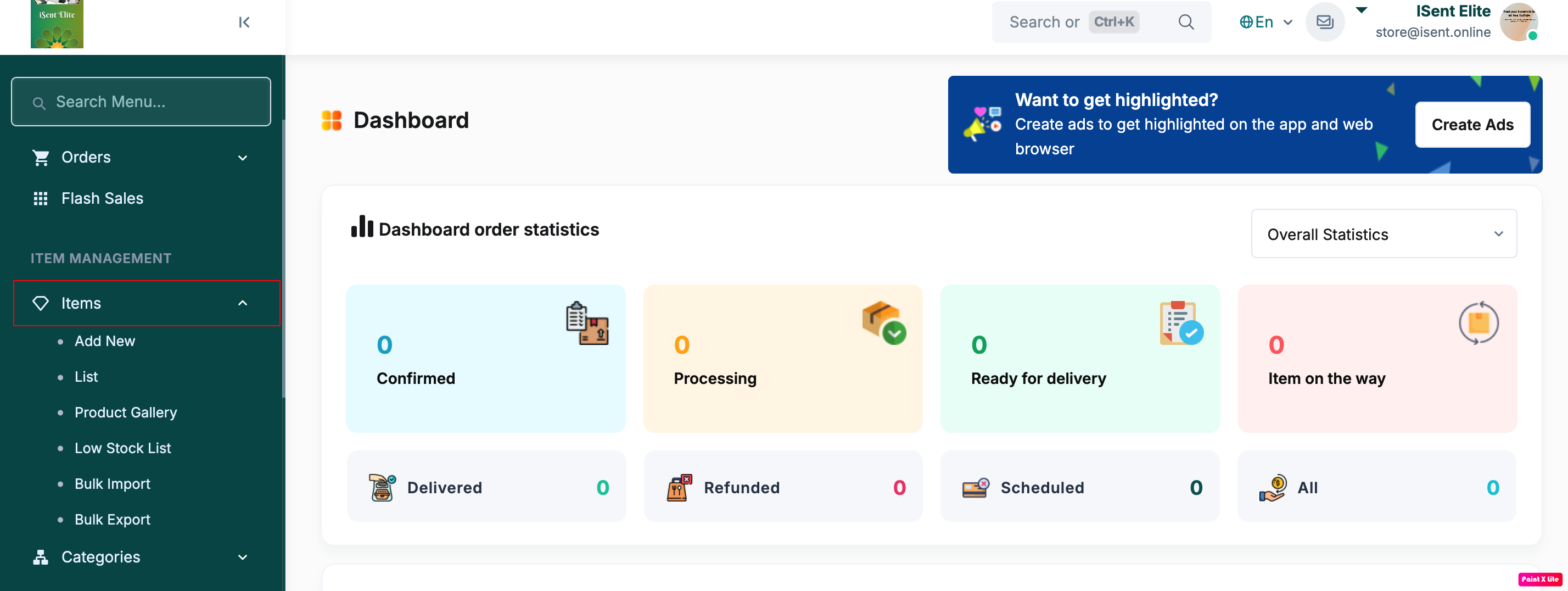
Step 2: Click Bulk Import .
Step 3: Under Download spreadsheet template , click Template with existing data or Template without data to download the Excel file.
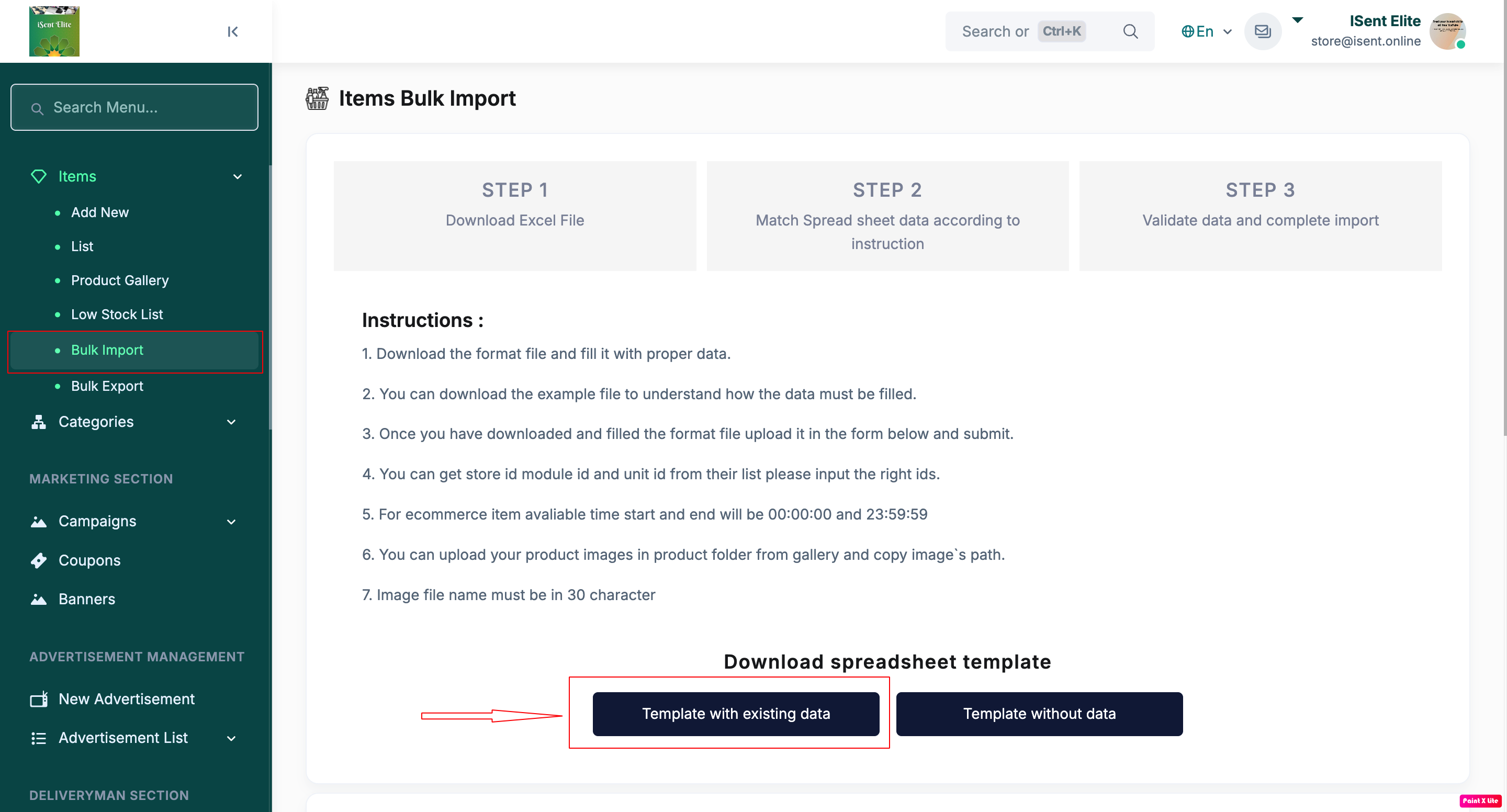
Step 4: Open the downloaded file and fill in the item details in the correct format (follow the column instructions).
Step 5: If your items need images, upload images in Product Gallery and copy the image path/name into the sheet (as required).

Step 6: Save the Excel file after completing all required fields.
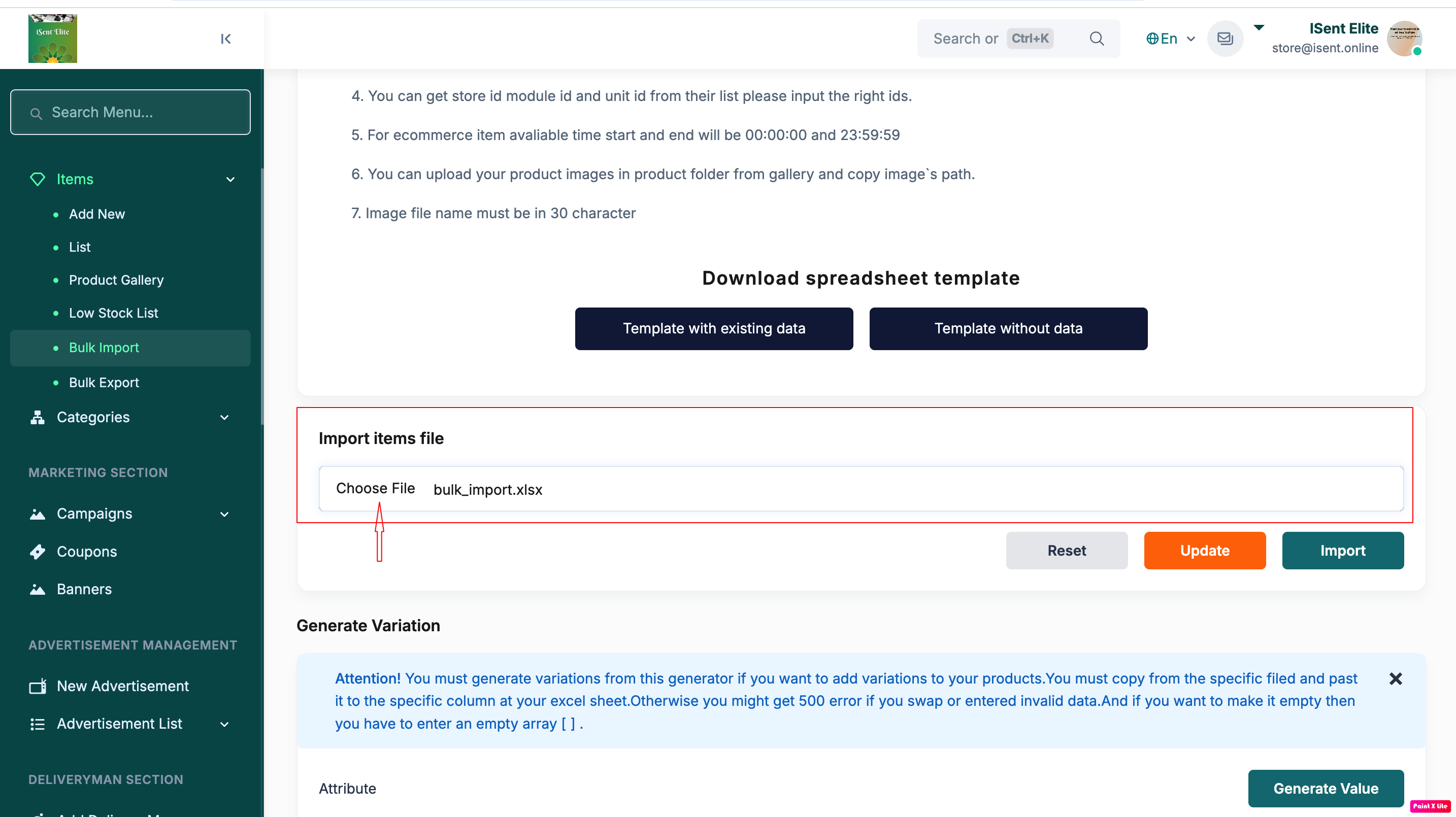
Step 7: In the Import items file section, click Choose File / Browse and select the completed Excel file.
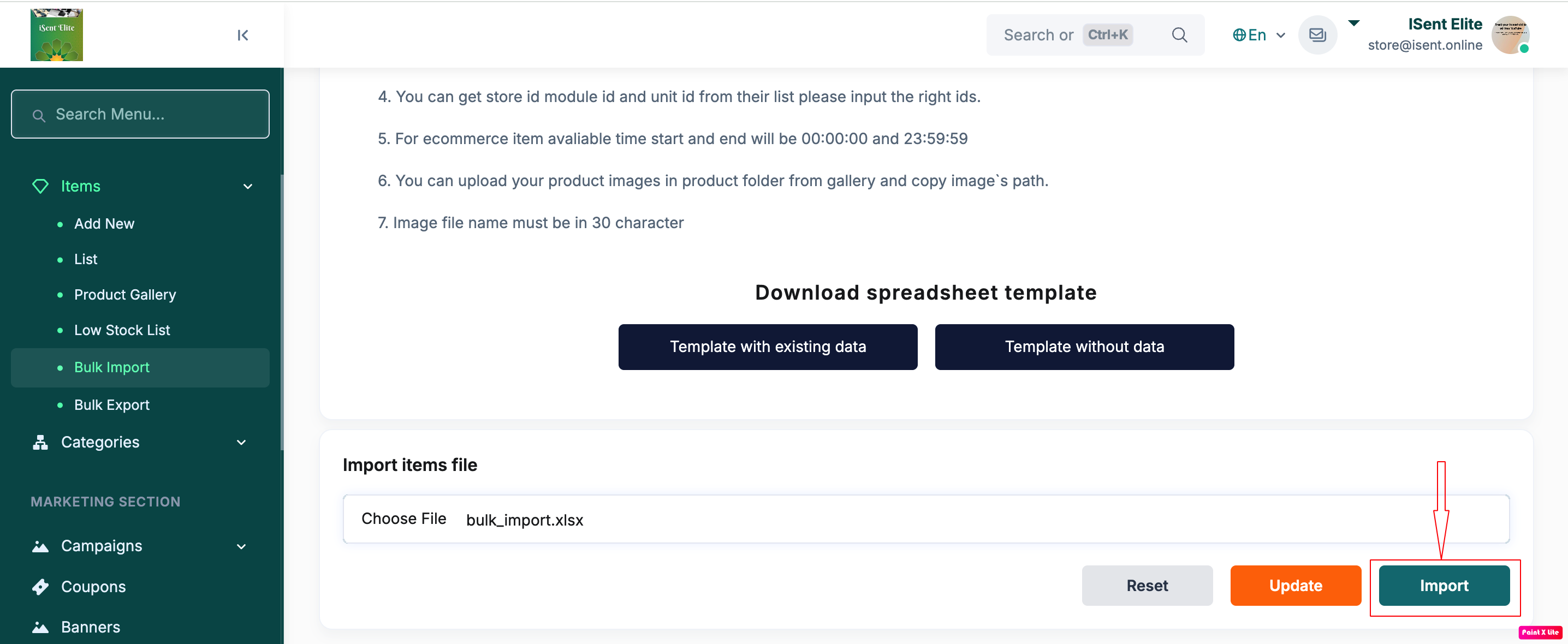
Step 8: Click Import to start the bulk import.
Step 9: Wait for the confirmation message and then check Items > List to verify the imported items.