
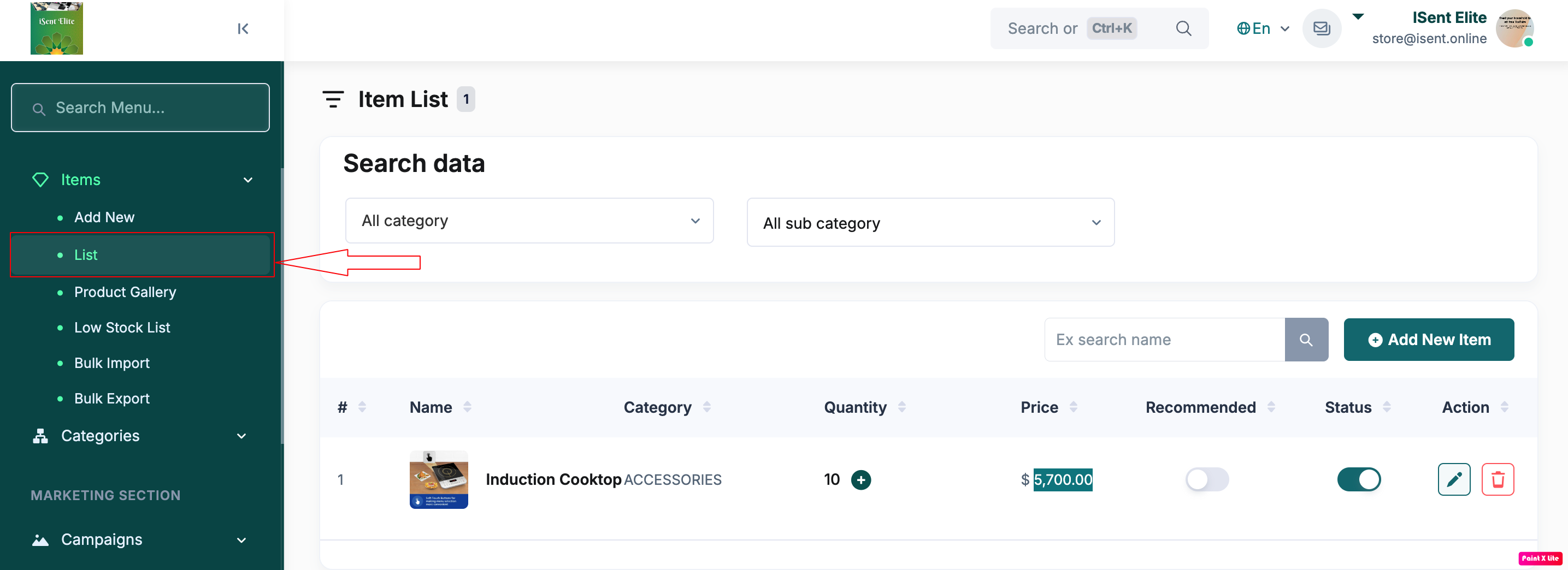
Step 1: Click Items in the left sidebar.
Step 2: Click List .
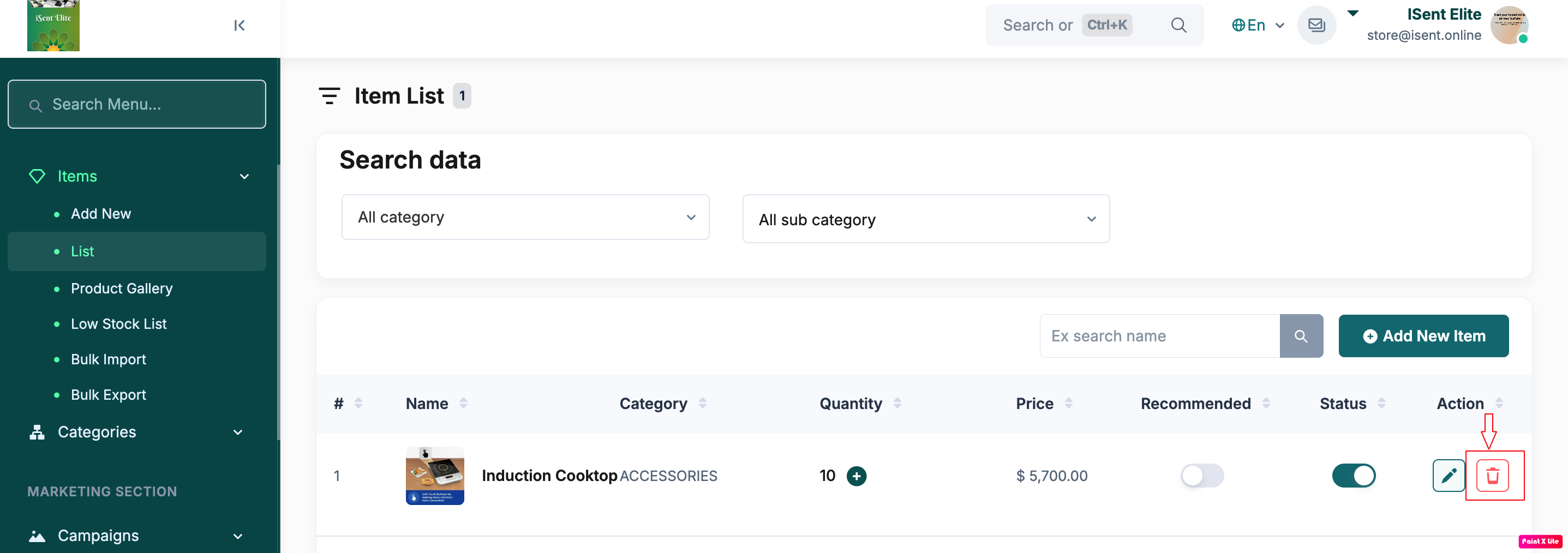
Step 3: Find the item you want to delete and click the Delete (trash) icon .
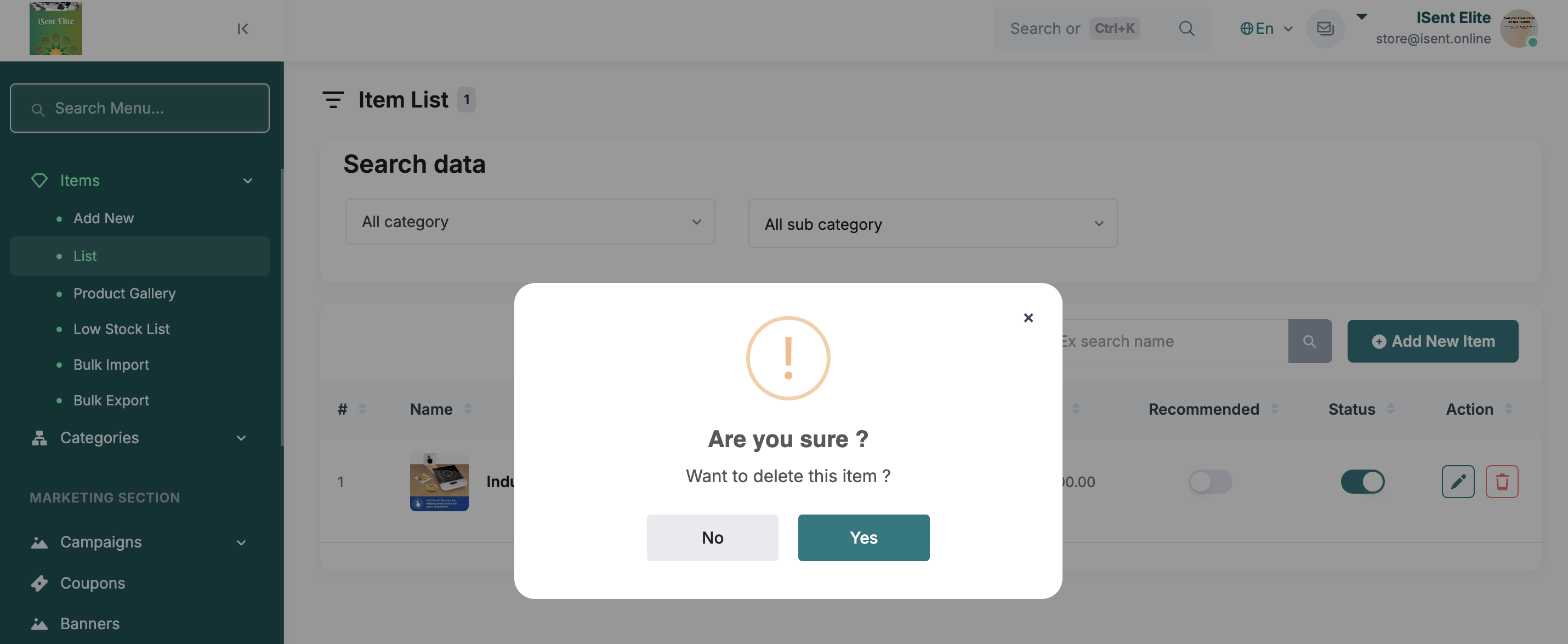
Step 4: Click on Yes from popup dialog box.
Step 5: Check the item in the list to confirm the item deleted successfully.