
Step 1: Click Items in the left sidebar.
Step 2: Click Bulk Export.
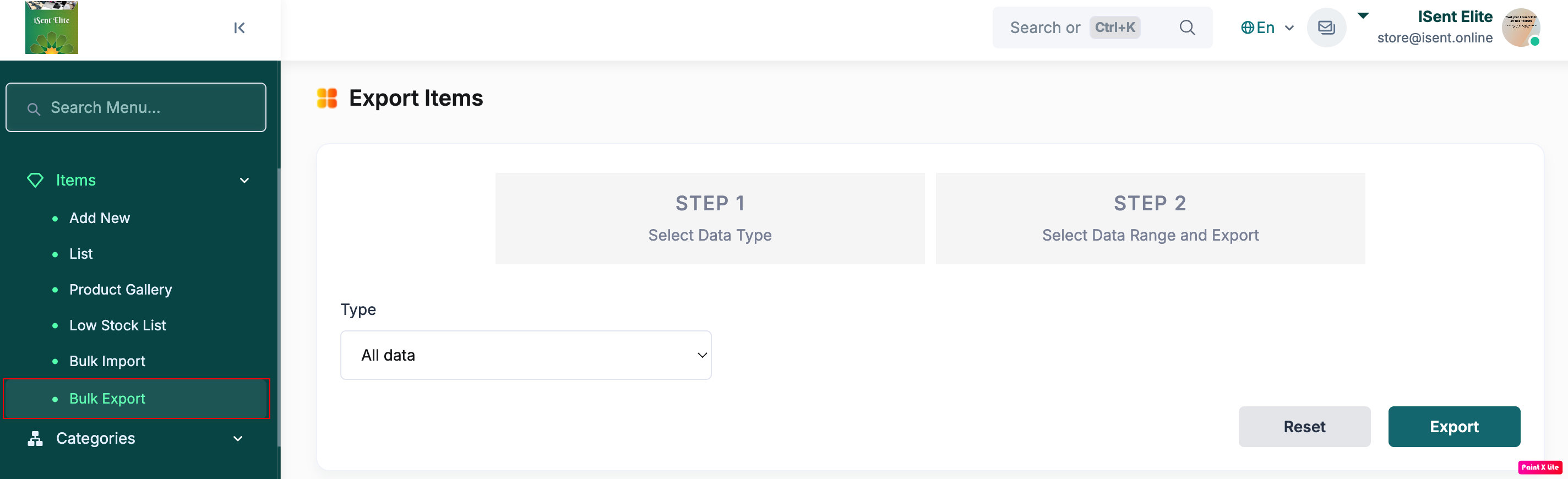
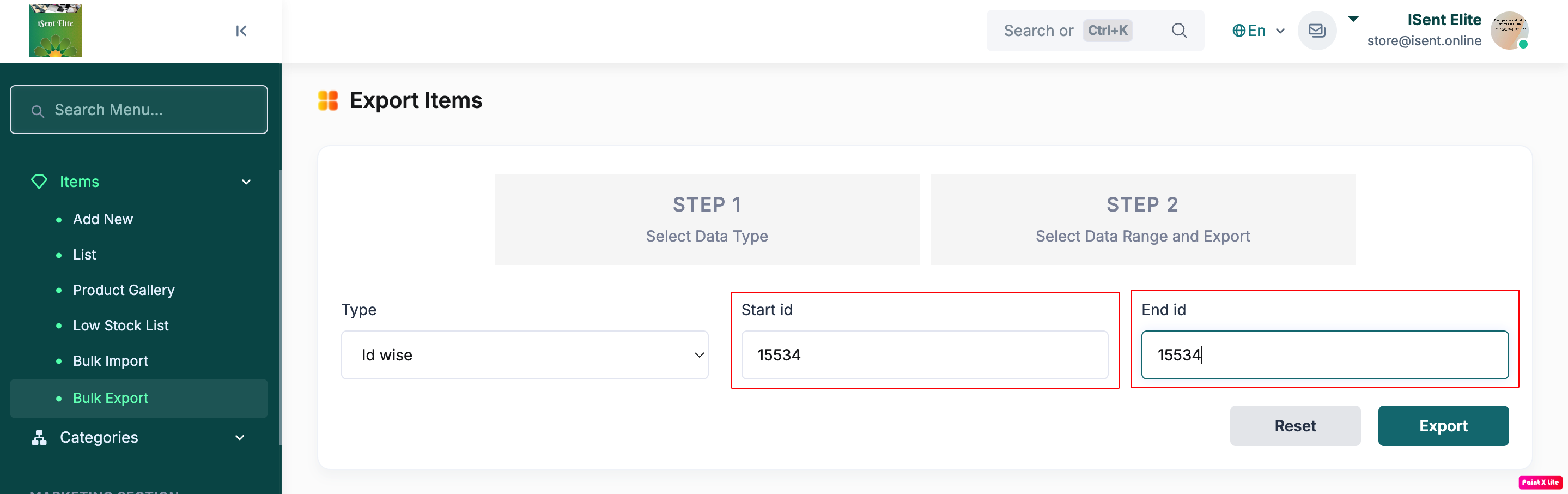
Step 3: From the Type dropdown, select the data type (e.g., Id or Date wise).
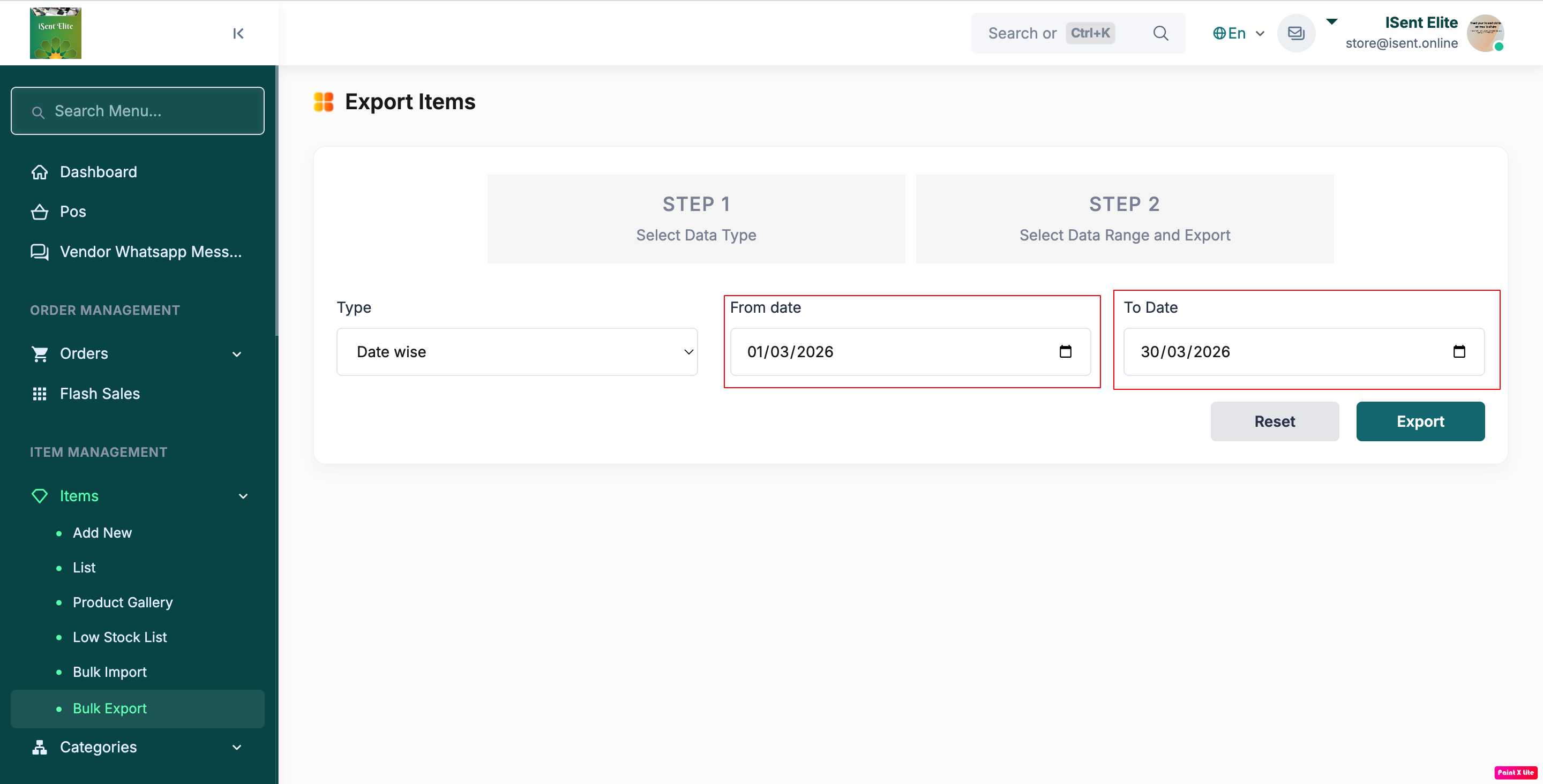
Step 4: Select From Date and To Date.
Step 5: Click Export to download the file.
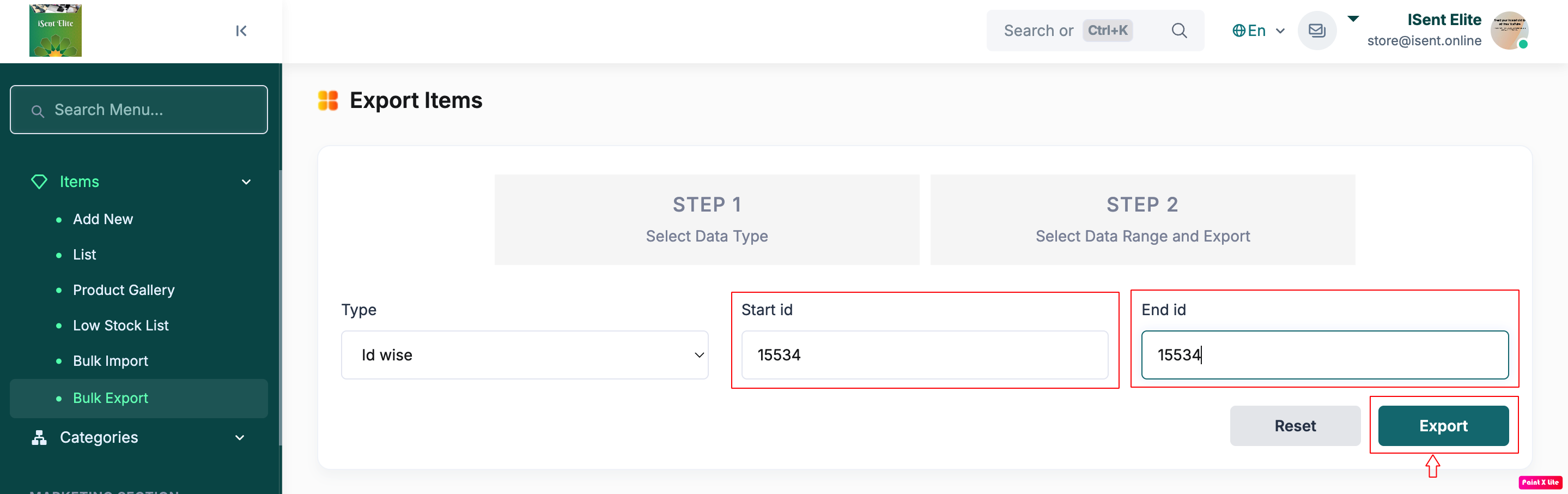
Step 6 (Optional): Click Reset to clear selections.