
Step 1: Click Create Advertisement in the left sidebar.
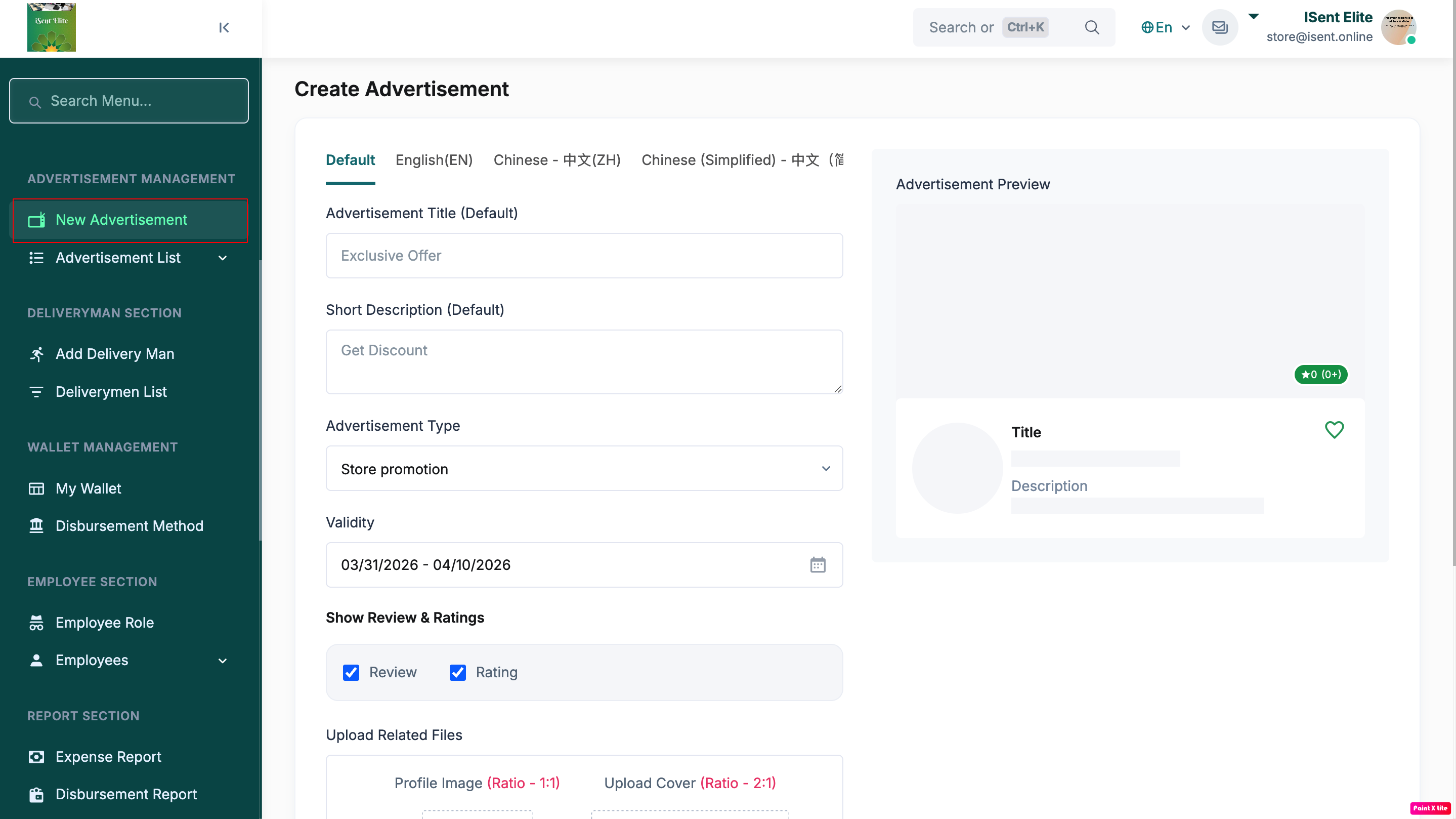
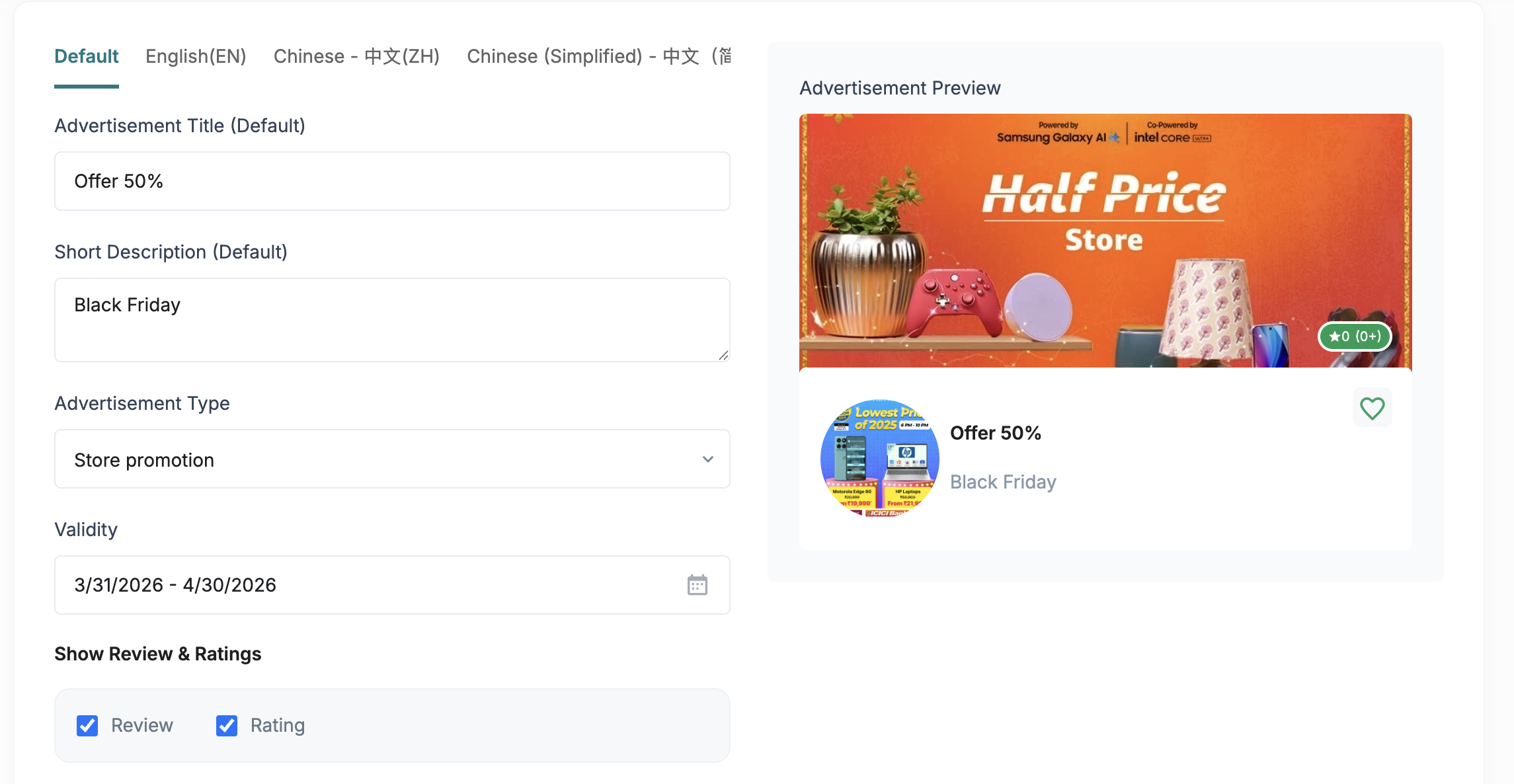
Step 2: Select the language tab (Default / English(EN) / Chinese, etc.) you want to add content in.
Step 3: Enter the Advertisement Title.
Step 4: Enter the Short Description.
Step 5: Select the Advertisement Type from the dropdown (e.g., Store promotion).
Step 6: Set the Validity date range (start date – end date).
Step 7 (Optional): Tick/untick Show Review & Ratings (Review, Rating) as needed.
Step 8: Upload the required images/files (Profile Image 1:1 and Cover Image 2:1).
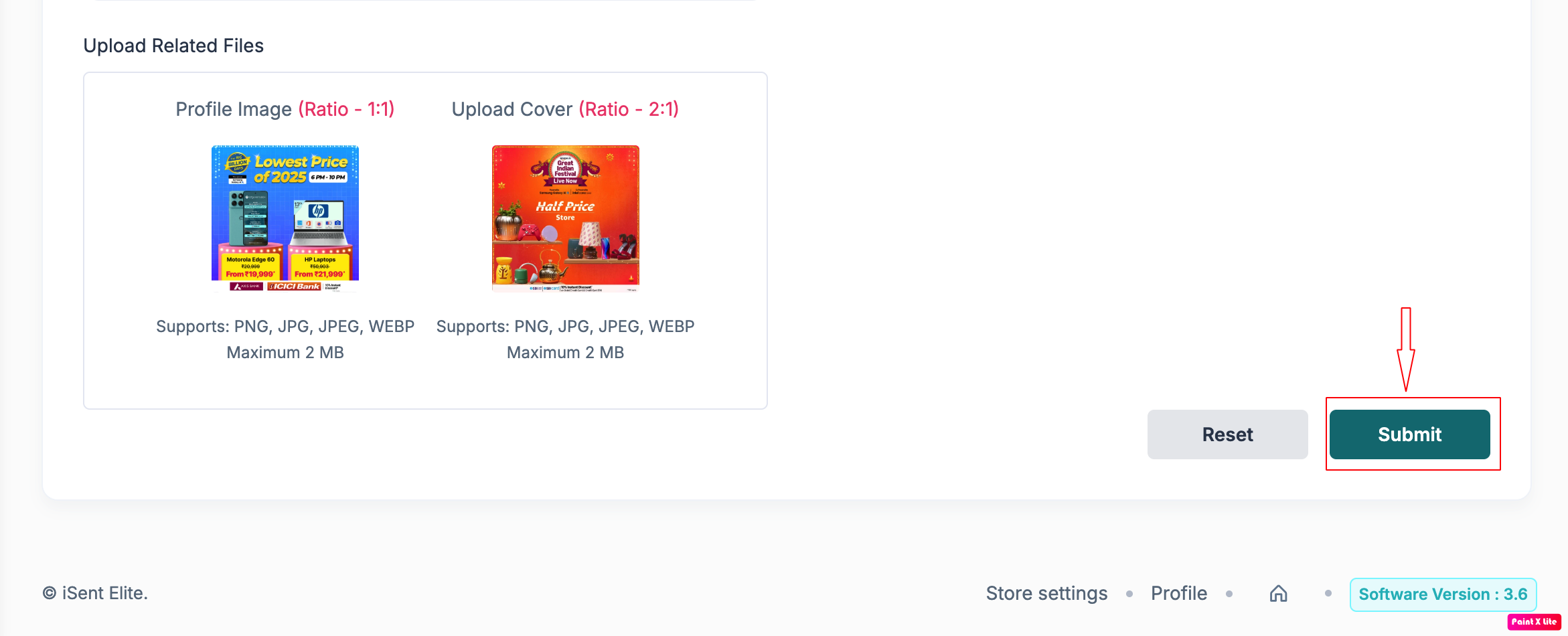
Step 9: Click Submit to publish the advertisement.